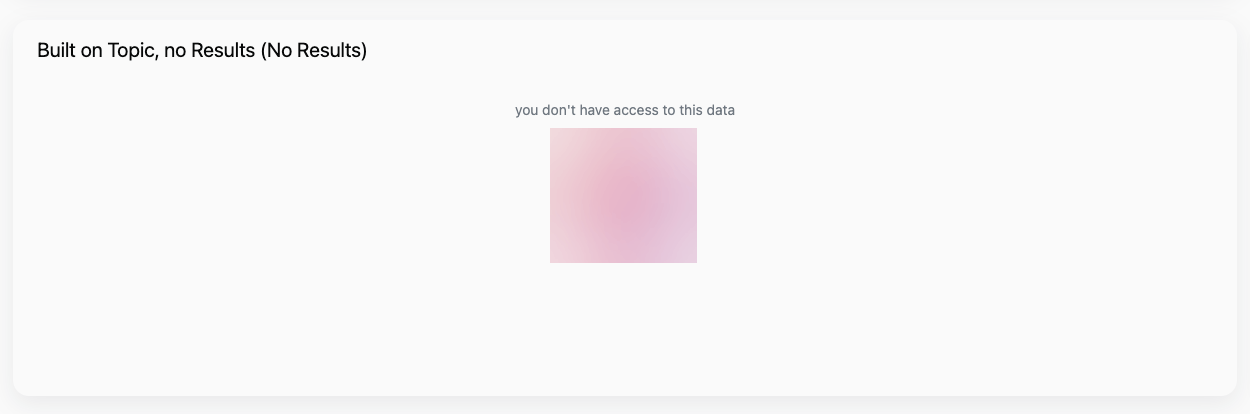
No results returned
Default state for a query with no results returned
Adding your own custom messages to dashboards allows you to not only apply your own branding, but to make the experience more friendly and intuitive for your users.
By default, JustAsk displays messages when a query encounters an error or doesn’t return results:
No results returned
Default state for a query with no results returned
Error
Default state for a query in an error state
To follow the steps in this guide, you need Editor or Manager permissions on the document you want to modify.
Navigate to the dashboard you want to modify.
Click the Edit button in the upper right corner of the page to enter draft mode.
Click Edit > Dashboard settings.
Locate the Custom messages section:
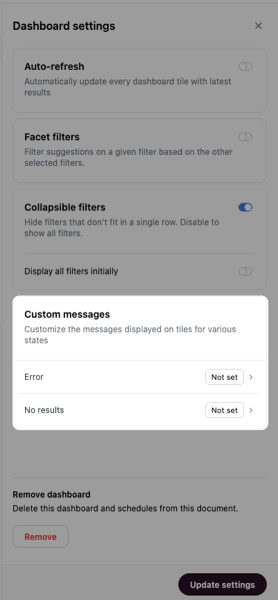
Click one of the message types to customize it.
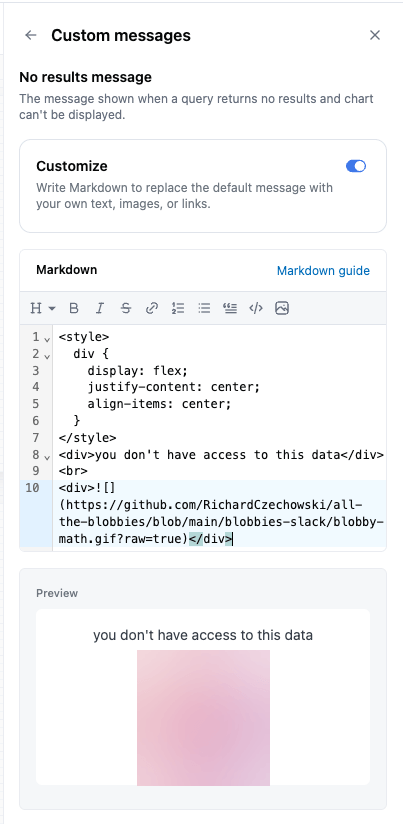
Click the Customize toggle, which enables the Markdown editor. You can use custom Markdown like the following to add and style your message:
<style>div {display: flex;justify-content: center;align-items: center;}</style><div>you don't have access to this data</div><br><div></div>The preview of the message will update as you work. For example, this is the preview for the custom Markdown from the previous step:
When finished, click Update to save your changes.
Now when a query on this example dashboard doesn’t return results, this custom message will display: